 Measure Killer
How do I search the DAX of every semantic model for a function or pattern?
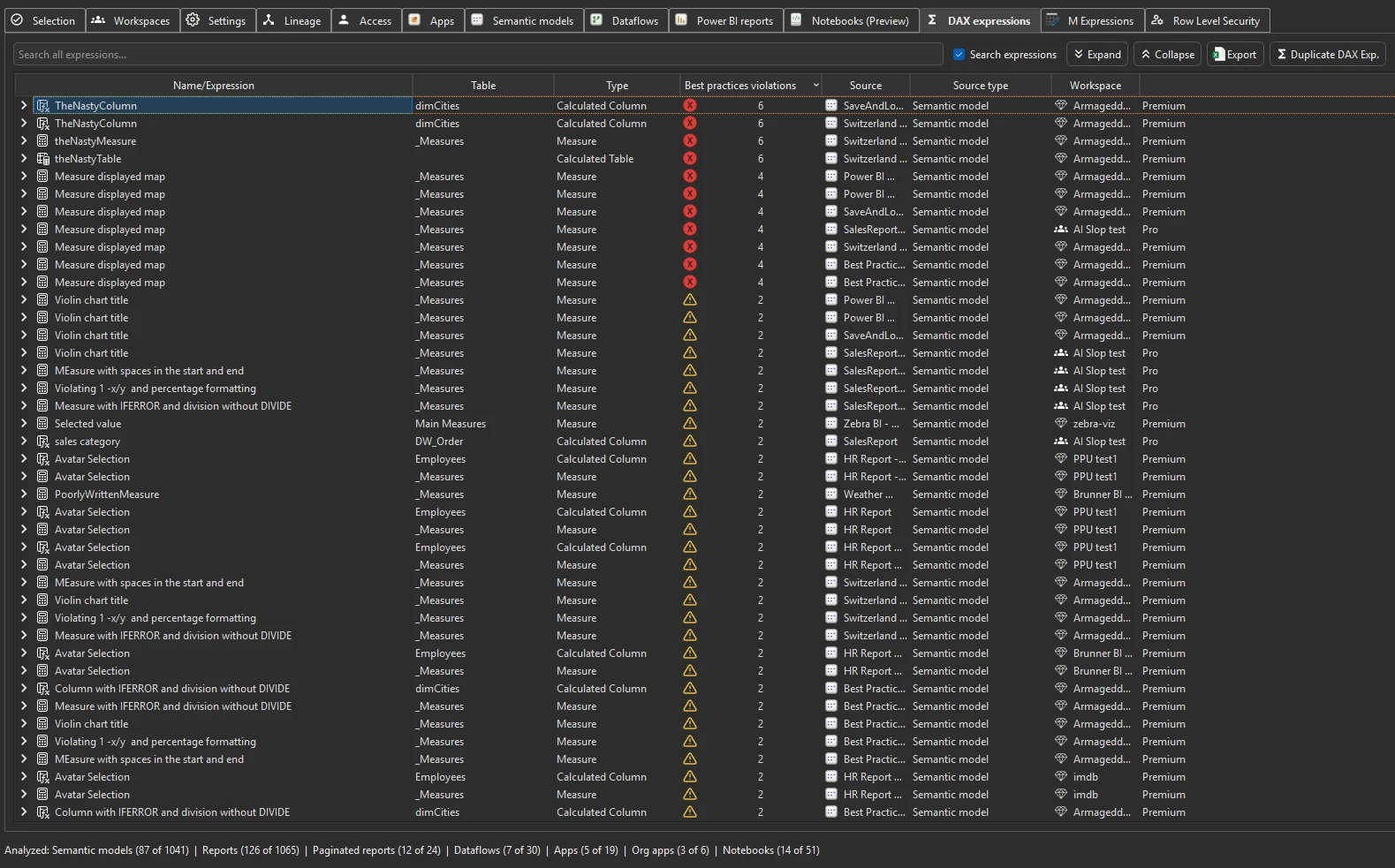
Run Tenant Analysis or Limited Tenant Analysis and open the DAX expressions tab. Its search covers every measure, calculated column and calculated table of every analyzed model, so one search finds a function, a hard-coded year or a table reference everywhere.
Last updated · November 6, 2026
Steps
- Run Tenant Analysis or Limited Tenant Analysis, tick the models and click Analyze (details).
- Open the DAX expressions tab.
- Type into the search bar with Search expressions ticked, so the DAX code is searched, not only the names.
- Useful searches:
- a function you want to audit, such as
USERELATIONSHIPorLOOKUPVALUE - a hard-coded year such as
2025, which silently returns wrong numbers next year - a table or column name before you rename it
- a measure name, to compare how a KPI is defined in each model
- a function you want to audit, such as
- Expand a row for the full expression, its best-practice violations and whether it has an error (details).
What you see
Go deeper
Something wrong or out of date on this page?