 Measure Killer
How do I find unnecessary sorting steps in Power Query (M) across my tenant?
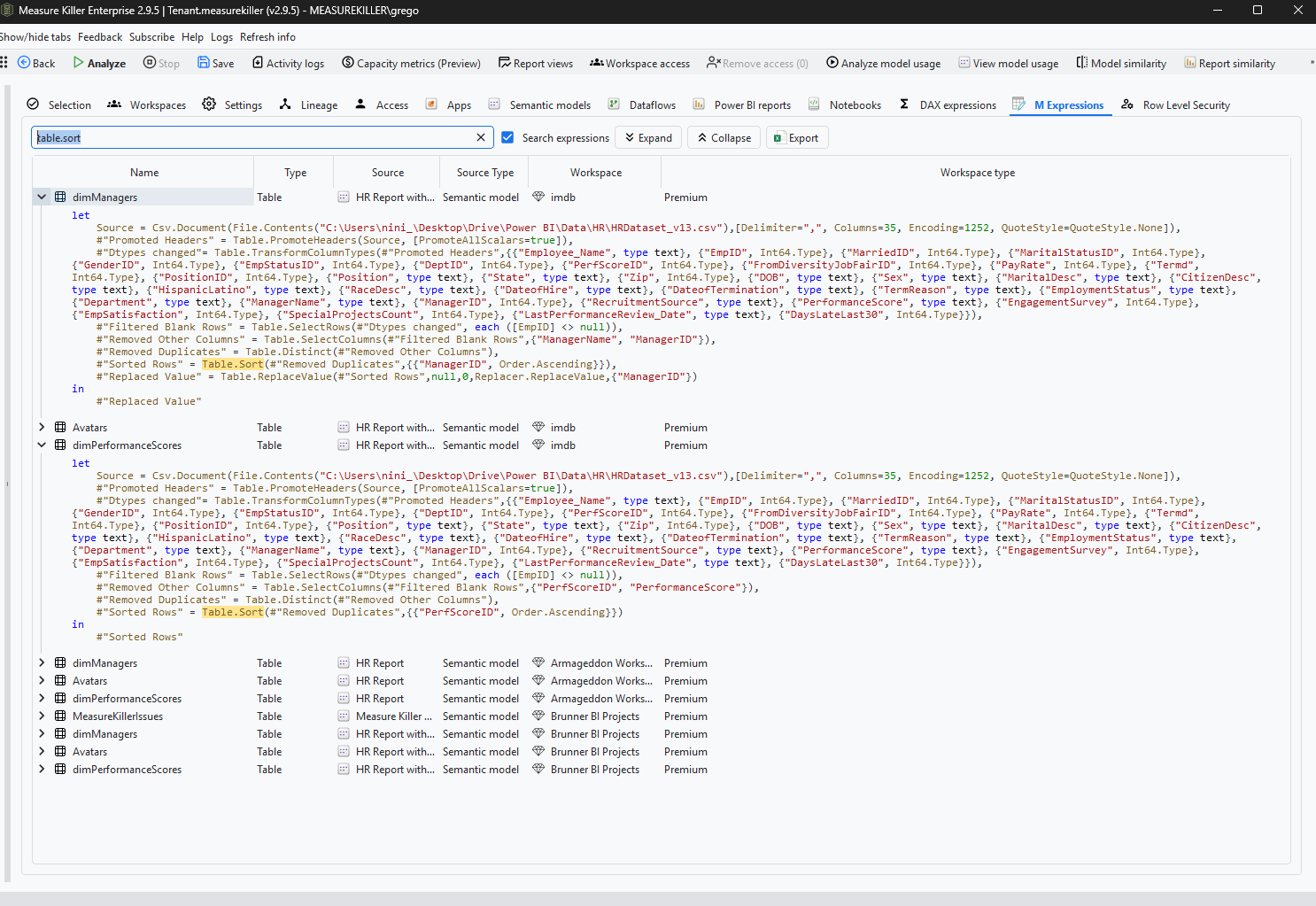
Search the M expressions tab for Table.Sort. A sort in Power Query does not carry over into the model, so unless the next step depends on the order, it only costs time on every refresh.
Last updated · November 6, 2026
Steps
- For every model and dataflow, run Tenant Analysis or Limited Tenant Analysis and click Analyze (details). For one model open in Power BI Desktop, the free single-model scan has the same tab.
- Open the M expressions tab and search for
Table.Sort. - Expand each hit to read the query and look at the step after the sort.
- Keep the sort only when the next step depends on the order, such as an
index column or
Table.Distinct. Remove the others.
What you see
Go deeper
Something wrong or out of date on this page?