 Measure Killer
How do I see every way one table can filter another in a Power BI model?
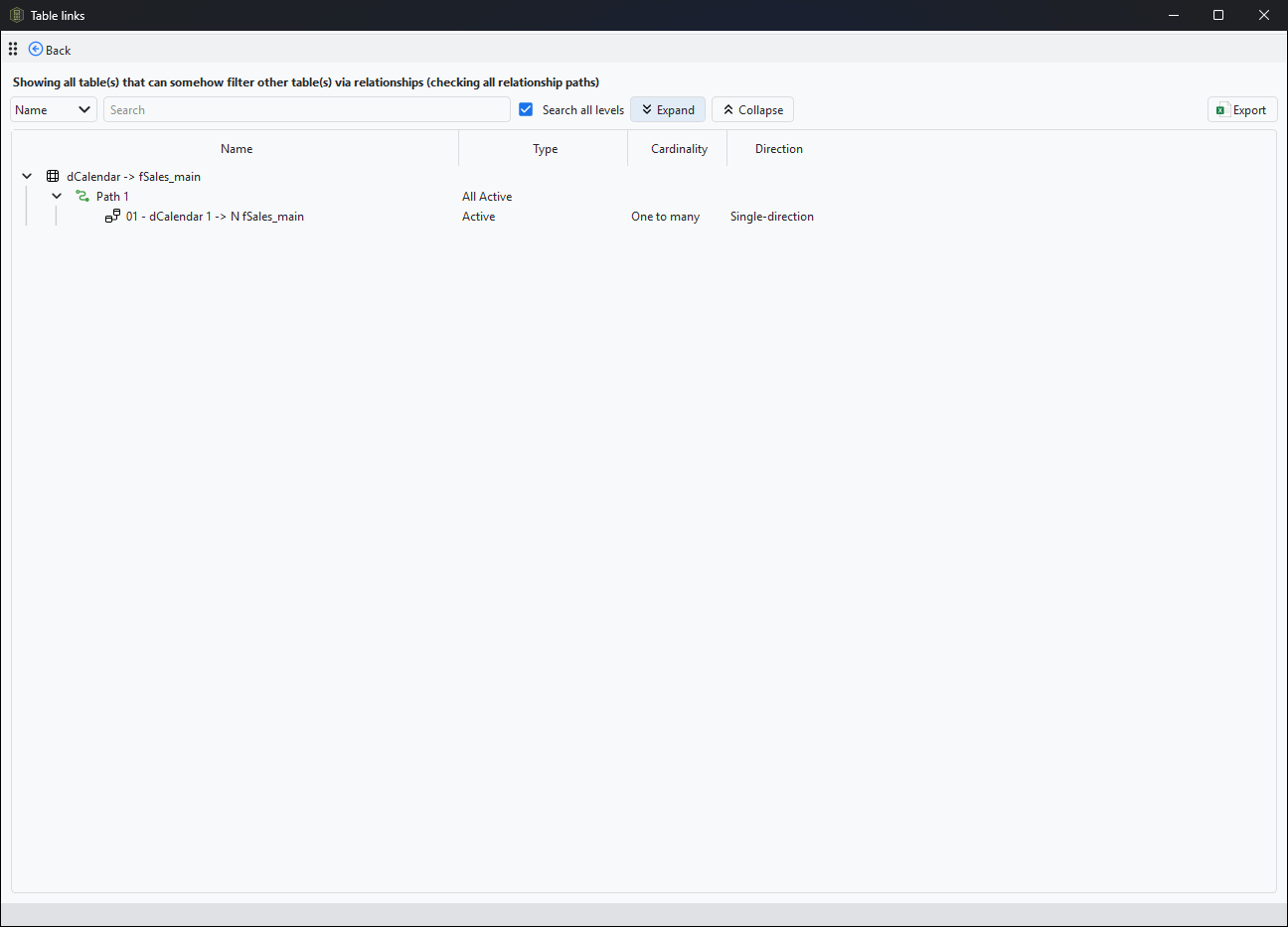
After a scan, click Table relations in the toolbar, pick a source and a target table, and Measure Killer lists every relationship path the filter can take, including inactive relationships if you want them.
Last updated · November 21, 2026
Steps
- Run a scan of the model in any mode, for example Single model and report for a file open in Power BI Desktop (free).
- Click Table relations in the toolbar.
- Pick the source table on the left, the one whose filter you want to follow, and the target table on the right.
- Click Next. Every path between the two is listed, relationship by relationship (details).
- Include inactive relationships to see the paths a
USERELATIONSHIPcould open, and pick several tables at once to compare (details).
What you see
Go deeper
Something wrong or out of date on this page?