 Measure Killer
How do I run Measure Killer in a customer's tenant as a guest user?
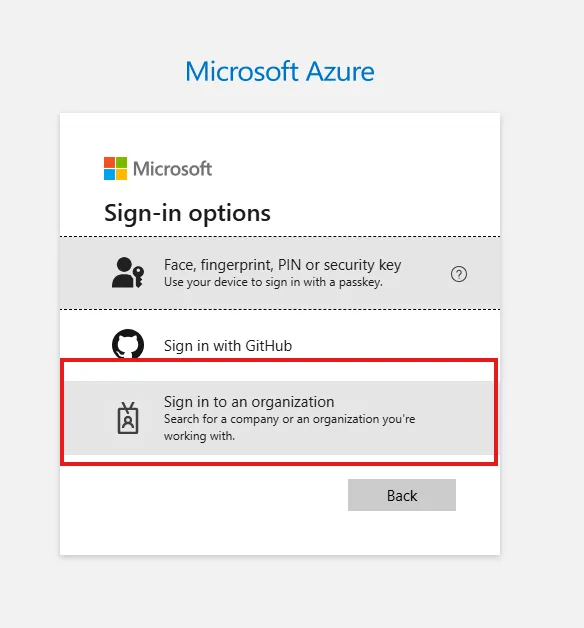
Set the host tenant's domain as the XMLA custom domain in Settings, then sign in through Sign in to an organization instead of your own account. Measure Killer then works in the host tenant with whatever rights your guest account has there.
Last updated · November 6, 2026
Steps
- Open Settings → API and XMLA and enter the host tenant’s domain, for
example
contoso.onmicrosoft.com, as the XMLA custom domain (details). - Start the mode you need. In the browser sign-in, choose Sign-in options → Sign in to an organization and enter the host domain, so you do not land in your home tenant (details).
- Signed in to the wrong tenant? Click Reauthenticate or restart Measure Killer, then sign in again (details).
What you see
Go deeper
Something wrong or out of date on this page?